RO
Repair orders
Create repair orders with customer, vehicle, technician, labor, parts, photos, status, and customer repair status links. See repair order software.
MecaLink helps repair shops of different sizes run the day from one place: estimates, repair orders, customers, vehicles, parts inventory, schedules, payments, and follow-up without spreadsheet chaos.

Repair orders, customers, vehicles, parts, appointments, and payments stay connected.
One customer is in a notebook, one estimate is in a spreadsheet, parts are in memory, and the payment status is buried in messages. MecaLink brings the daily workflow together so owners can see what is happening faster.
MecaLink is specialized in the operational jobs an auto repair shop has to manage every day, with a complete workflow that stays practical as the team grows.
Create repair orders with customer, vehicle, technician, labor, parts, photos, status, and customer repair status links. See repair order software.
Build estimates, approve services, track receivables, and understand what is paid or still open. See estimate software or financial software.
Track parts, cost, sale price, quantity, alerts, and parts used in each repair order. See parts inventory software.
Keep customer contact details, vehicle records, plates, service history, and return opportunities together. See customer management.
Organize future jobs, daily entries, work in progress, and delivery expectations in one shop view. See scheduling software.
Bring customers back for oil changes, inspections, filters, and recurring maintenance at the right time.
The system follows how a repair shop actually works, so the team does not need to fight the software.
Select a customer and vehicle, add labor and parts, then send a clear estimate.
After approval, organize the repair order with status, technicians, photos, and service progress.
Register paid and pending amounts so the owner can see daily cash flow faster.
Use the service history to invite the customer back when the next maintenance is due.
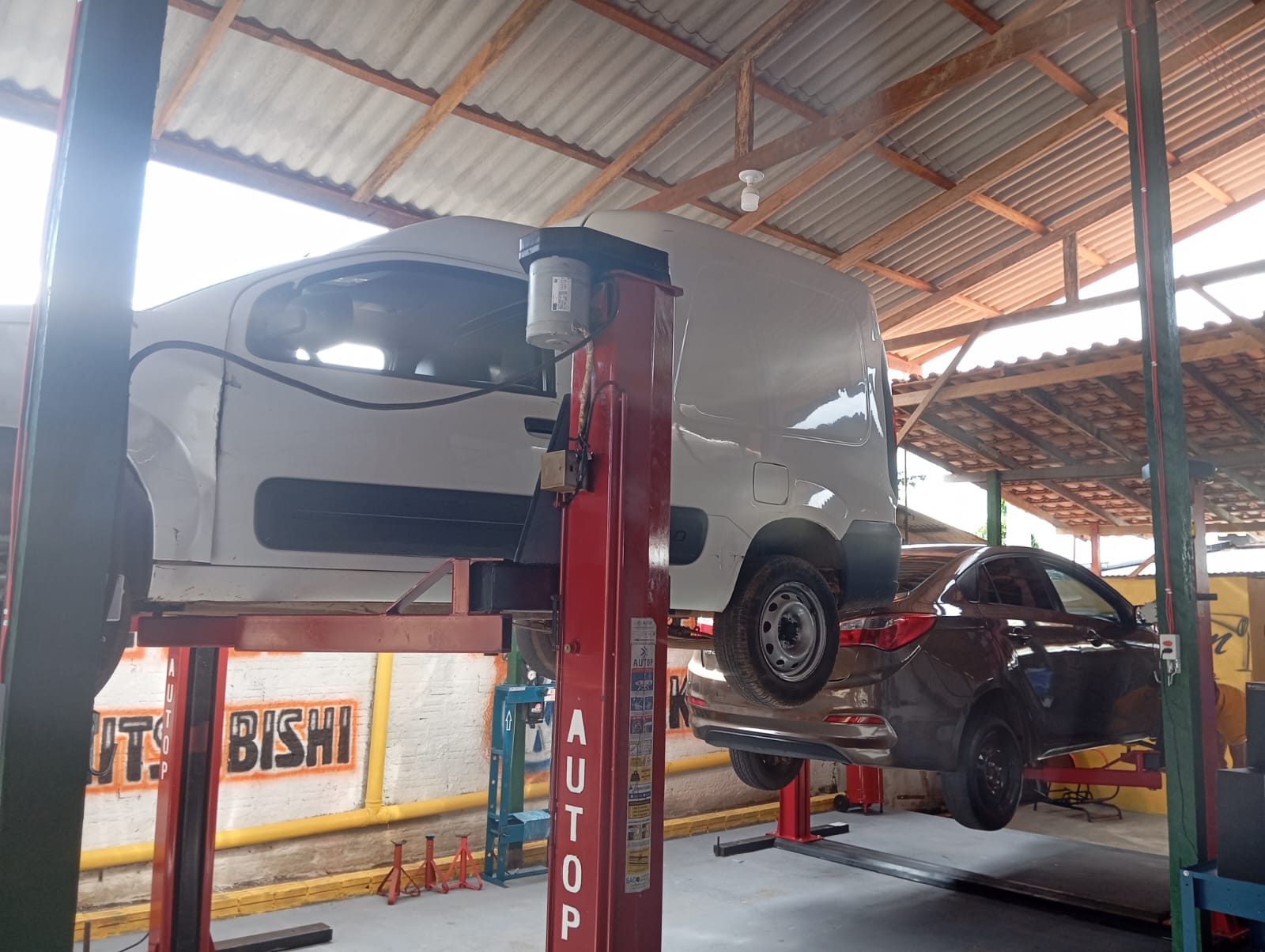
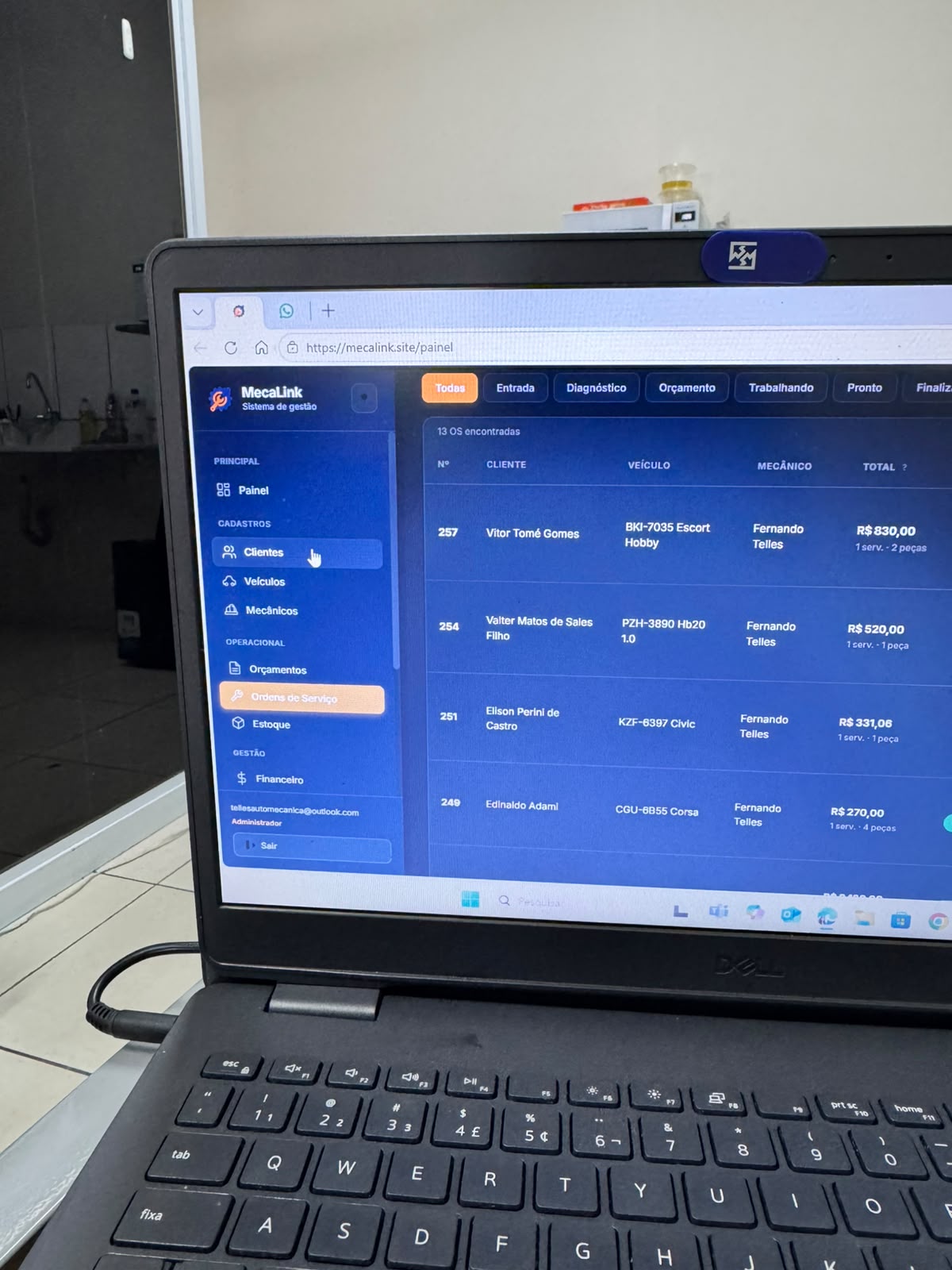
"MecaLink was created from the routine of a real mechanic shop and turned into a simpler way to organize daily work."
Start with the full system and validate MecaLink in your shop routine before the first charge.
Free 7-day trial · no card required
Pay once for the year if you prefer predictable billing and want to avoid monthly renewals.
Two months included compared with monthly.
It is a system that helps repair shops manage repair orders, estimates, customers, vehicles, parts, schedules, payments, and service follow-up in one place.
MecaLink is specialized in repair shops of different sizes, with a practical workflow for lean teams and growing operations.
Yes. It helps the shop move from spreadsheets, notebooks, and scattered messages into a simple daily management system.
Yes. MecaLink runs in the browser, so owners and teams can access the system from desktop and mobile devices.
Yes. US repair shops can create an account, choose monthly or annual billing, and complete secure Stripe Checkout.
Create your shop account, choose monthly or annual billing, and start organizing repair orders, customers, vehicles, inventory, and schedules.
See how MecaLink can organize estimates, repair orders, inventory, schedules, payments, and customer follow-up for your shop.
Start with MecaLink