A
Appointments
Schedule future work with customer, vehicle, preferred date and shop notes in one place.
MecaLink is auto shop scheduling software for repair shops of different sizes: organize appointments, future repair orders, active work, customers, vehicles, statuses, reminders, payments, and follow-up without a messy calendar.
Appointments matter, but the real problem is connecting the date to the customer, vehicle, repair order, status, parts, payment and follow-up.
MecaLink keeps the schedule practical for the front desk, owner and technicians.
Schedule future work with customer, vehicle, preferred date and shop notes in one place.
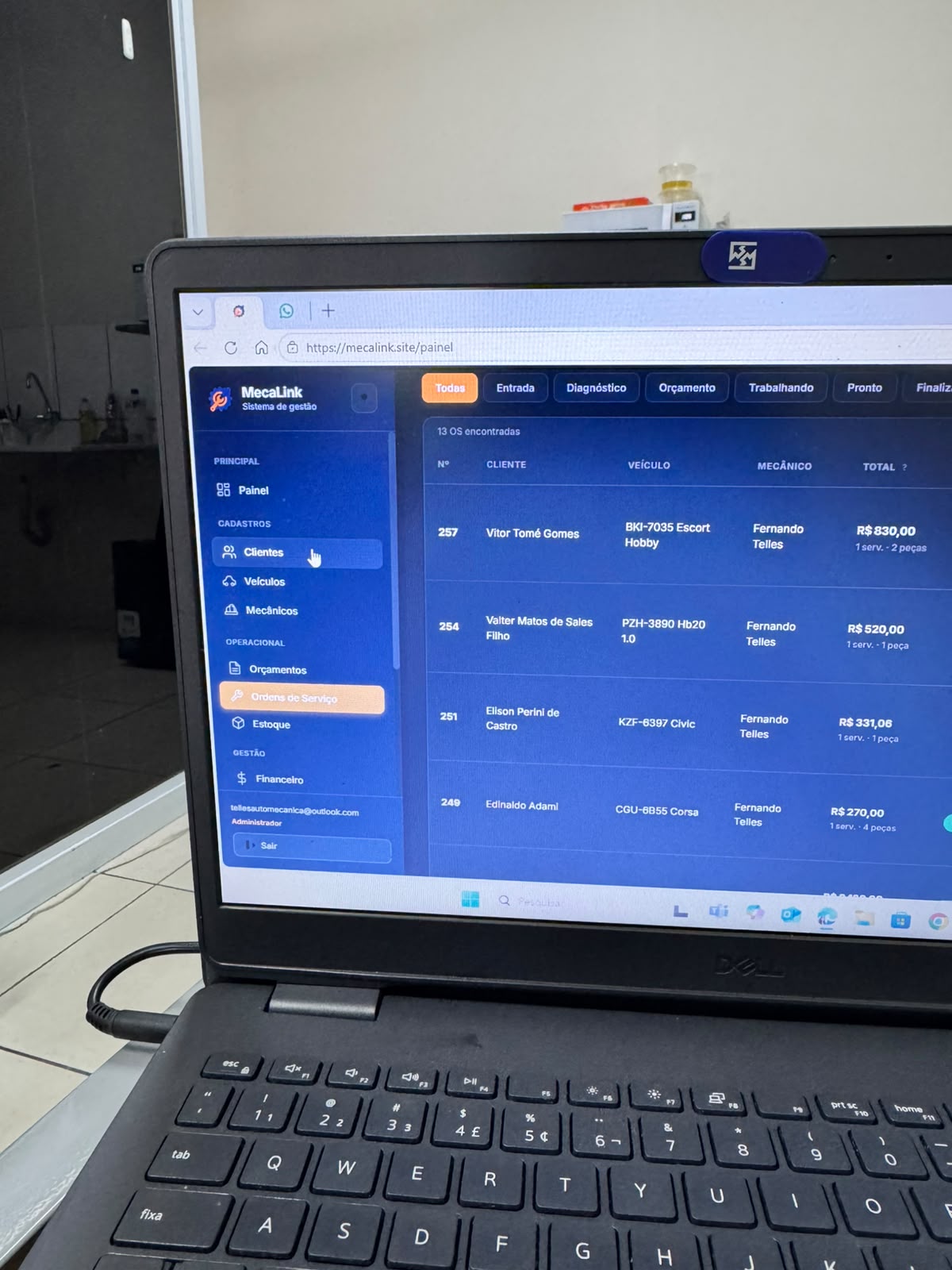
See repair orders by entry date, status, customer, vehicle and total. See repair order software.
Know what is waiting, working, ready or late without asking the whole team.
Open the appointment and keep the full customer, vehicle and prior service context close.
Connect scheduled jobs with parts and prices so the estimate and repair order stay accurate. See inventory software.
Use follow-up routines to bring customers back for recurring maintenance and missed work.
The schedule should support the job, not become a separate spreadsheet.
Select or create the customer and vehicle before the job reaches the shop.
Set today, tomorrow or a future date and keep the agenda clear.
Add labor, parts, notes, status and photos when the vehicle enters.
Use reminders to recover future service and customer return opportunities.
"A simple schedule is useful. A schedule connected to repair orders, customers, vehicles and payments is what helps the shop run."
One US plan with scheduling, repair orders, estimates, customers, vehicles, inventory, payments, reminders and support. Monthly billing is $49/month; annual billing is $490/year.
Create your shop account, organize appointments, repair orders, customers, vehicles, parts and payments, then decide if MecaLink fits your operation.
It helps repair shops organize appointments, future work, daily entries, repair order status, customers, vehicles and reminders.
Yes. You can organize future work and connect it to the repair order when the vehicle enters the shop.
Yes. MecaLink keeps estimates, repair orders, parts and payments connected so the schedule is not isolated.
MecaLink is specialized in repair shops of different sizes that want simple daily organization.
Yes. Service reminders and follow-up help the shop bring customers back for future maintenance.
Create your shop account, choose monthly or annual billing, complete secure Stripe Checkout, and start with scheduling for your own repair shop routine.
See how MecaLink can connect appointments, repair orders, estimates, inventory, payments and reminders for your shop.
Start 7-day trial