C
Customer and vehicle
Select a customer and vehicle, keep history close, and avoid rebuilding context every time the car returns.
MecaLink helps repair shops of different sizes build clear estimates with customer, vehicle, labor, parts, notes, totals, approval flow, repair orders, payments, and follow-up in one workflow.

Labor, parts, customer, vehicle, totals, and approval stay connected to the repair order.
If labor, parts and totals are spread across messages and notebooks, the job can lose value before it even reaches the repair bay. A good estimate should become the starting point for the whole job.
MecaLink keeps the estimate practical, readable and connected to the shop workflow that comes after approval.
Select a customer and vehicle, keep history close, and avoid rebuilding context every time the car returns.
Add labor clearly so the estimate shows what the shop is selling and what the technician needs to perform.
Add parts, quantities, and prices so the estimate total is easier to trust before approval. See parts inventory software.
Keep labor, parts and final value together so fewer estimates lose items or change value unexpectedly.
Approved estimates can become repair orders, connecting sales to the actual job workflow.
Use service history and reminders after the estimate becomes a completed job.
The estimate should be the beginning of a clean operational flow, not a disconnected document that creates rework.
Add customer, vehicle, labor, parts, quantities and notes.
Use the approved estimate as the base for the job.
Move labor, parts and details into the repair order workflow.
Connect the job to payment status and daily cash flow.
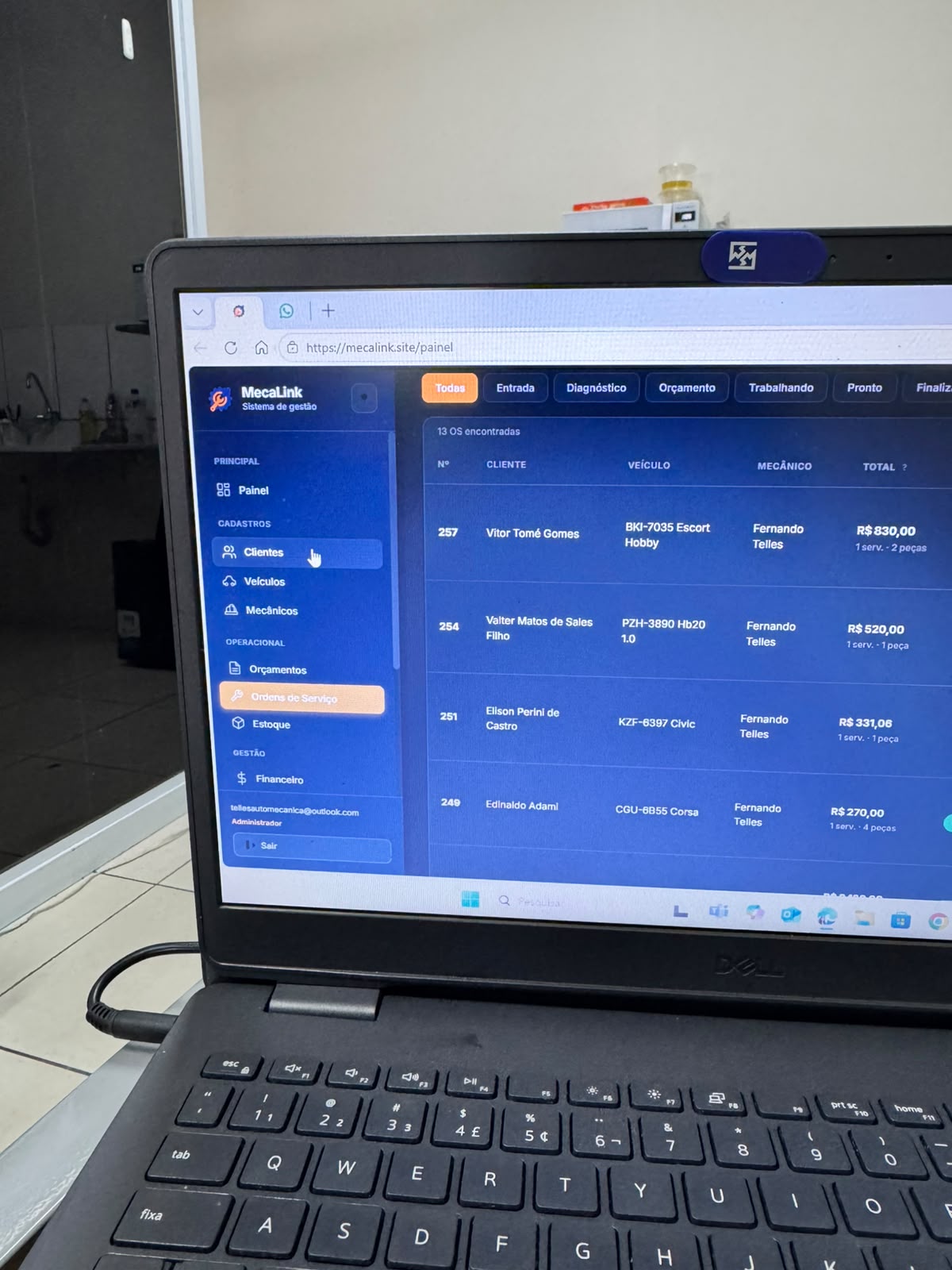
"The estimate should already contain the work, parts, customer and vehicle context the shop needs to run the job."
One US plan with estimates, repair orders, customers, vehicles, inventory, schedules, payments, reminders and support. Monthly billing is $49/month; annual billing is $490/year.
See how MecaLink organizes estimates, customers, vehicles, labor, parts, repair orders, payments and follow-up from one place.
A useful estimate should include customer, vehicle, labor, parts, quantities, notes, totals and a clear path to approval.
No. The estimate sells or approves the work. The repair order helps the shop perform, track and complete the job.
Yes. Keeping labor, parts and totals structured helps reduce missing items and unexpected differences when the job moves forward.
Yes. MecaLink is designed to connect approved estimates to repair order workflow.
MecaLink is specialized in repair shops of different sizes that need organization without unnecessary complexity.
Create your shop account, choose monthly or annual billing, complete secure Stripe Checkout, and start with the estimate workflow that fits your shop.
Use MecaLink to connect estimates, repair orders, labor, parts, customers, vehicles, payments and follow-up in one repair shop workflow.
Start 7-day trial